Documentation
Learn how Polypane improves your workflow
Global zoom
In the top right of the Polypane window is a slider that lets you zoom out all panes simultaneously. This way you can make all your panes fit the current screen, or show them at 100%. You can drag the slider to zoom in and out, or hover over it and scroll to zoom in and out. Lastly, you can also manually change the zoom level by clicking the percentage. The global zoom is stored per view mode and per tab.
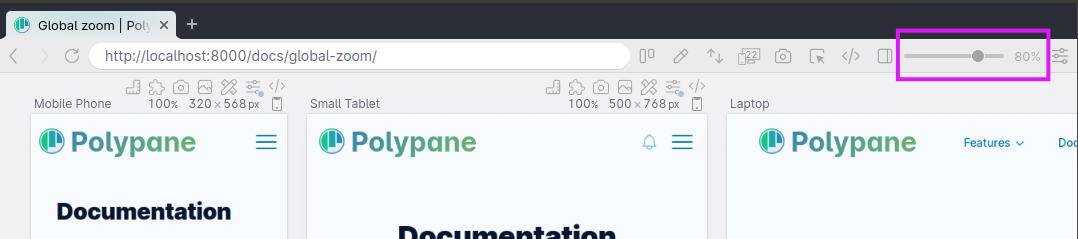
To go back to 100% zoom, you can press cmd/ctrl 0.
You can also click the percentage shown to fill in a specific value.
Zoom to fit
With shift cmd/ctrl 0 you can zoom out such that all panes are visible.
Page zoom and pane zoom
You can also zoom individual panes with pane zoom and zoom in the content of a pane (like regular browsers) with page zoom.
Have a question about Polypane?
Reach out via (real human) chat, Slack or our contact form:
Contact SupportBuild the way you already build, without missing anything.
Free 14 day trial, no credit card needed.
- 1 Create your account. Takes a minute.
- 2 Download the app. For Windows, Mac & Linux.
- 3 Build your next project with Polypane

